
Design with real products, real prices
Atrium is design software for furniture and interiors - from a single part to a whole floor. Arrange parts and sub-assemblies freely, build pieces that look nothing like a box, make them dynamic in minutes, and take the very same design to price, sale and production with Bond.
Design anything
Arrange parts and sub-assemblies freely: boards of any outline, profiles along any path, sculpted parts from Rhino. Step out of the box shape - and if a part is missing, add it.
Real materials, market data
Ready materials, parts and assemblies from the Bond library and makers' catalogs - with their own codes, thicknesses and prices.
Make it dynamic
A few inputs, a few formulas and a grip: in minutes your design becomes a product that builds correctly at any size.
Sell, plan, build
With Bond: the BOM and price of every alternative, a Gantt of design, sales and production, and a page where the client reviews and approves the design - all from the same save.
Step out of the box
There is no shortage of cabinet software. Atrium is for anything made of parts: partitions, desks, counters, shelving, wall panelling, doors - and the one special piece only you have designed. Cabinets too - as one example among many.
Partitions & glass walls
Aluminium profiles on any path, glass or board panels, connectors - panel count from the length.
Desks & workstations
A shaped top of any outline, custom legs from Rhino or STEP, cable trays - sized by inputs.
Reception counters
Curved tops, slats arrayed along a path, a rail swept along the curve.
Shelving & displays
Live arrays of shelves and uprights, glass, lighting channels - counts that follow the height.
Wall panelling & cladding
Boards and slats arrayed across a wall, grooves and pockets, openings cut where they belong.
Doors & frames
Click round an opening: a closed profile frame with every corner mitered.
Kitchens & wardrobes
Boards, hinges, drilling and edge banding - one kind of product among many.
Your own piece
Sculpted parts from Rhino or STEP, combined with boards and profiles into something nobody else sells.
Every task, the way Atrium does it
These animations follow how the software really behaves - the same keys, the same hint line, the same steps. Each one links to its page in the docs.
Change the size, watch the parts
A simplified sketch of how an Atrium assembly behaves, right in your browser: change the width and height, add shelves, pick the door-count formula, and watch the parts data keep up. The real thing - with exact geometry, processes and per-edge banding - is in Atrium.
Inputs · Office partition
The parts data behind it
profiles (1D), panels (2D), hardware (0D) - worked out here in your browser; in Atrium this data goes to Bond with the save, where the BOM and prices are shown| Part | Qty | Size (mm) |
|---|---|---|
| Post (aluminium) | 5 | 2700 |
| Top & floor track | 2 | 4200 |
| Panel · Clear glass | 3 | 988 × 2600 |
| Connector | 10 | - |
| Door leaf (sub-assembly) | 1 | 978 × 2100 |
| Hinge | 3 | - |
Real captures, not mock-ups

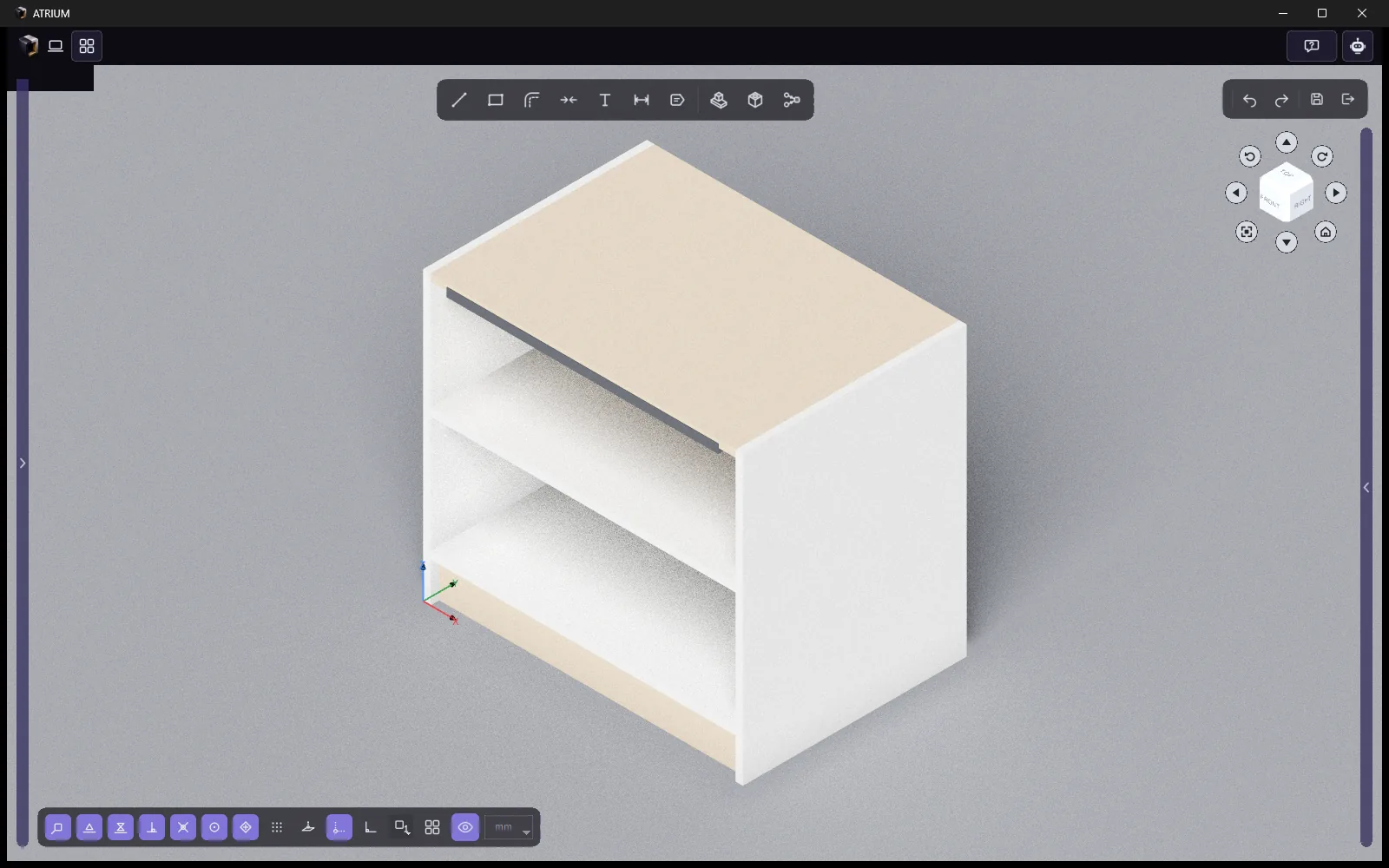
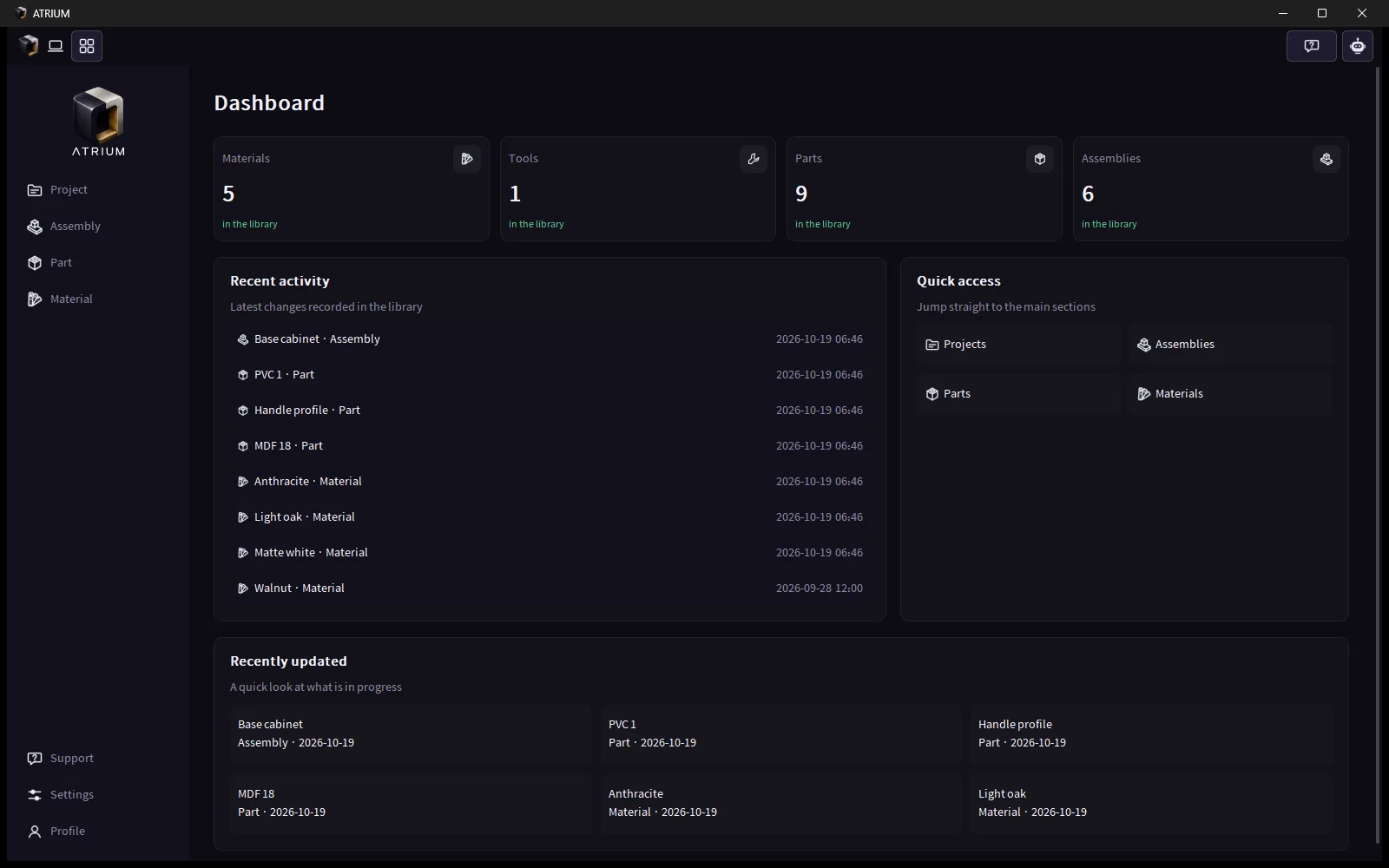
Captured straight from Atrium: a cabinet whose width changes while every board, edge band and hole follows; the same cabinet in Presentation shading; and the dashboard.
Design that reaches production, not just a render
Most interior design tools stop where the real work starts: the price, the order, the workshop. Atrium designs with the very part that gets built, from the start.
The right price, right now
The price is worked out from the parts and materials themselves, not estimated by hand - every change to the design updates the numbers.
What was sold is what gets built
The design, the parts list and the production processes come from one source - nothing gets lost between the sale and the workshop.
Real products, real materials
Designers design with what is actually made - real colours, thicknesses and prices.
The maker's know-how stays theirs
Designers see the product and the price; how it is made stays with the maker.
One design, three people relying on it
Companies & workshops
Build your products once, dynamic, and put them in your Bond catalog; give only part and material prices and the rest is worked out.
- Parts, assemblies, materials with prices and codes
- Production processes on the parts
- Company account - no separate licence
Interior & freelance designers
Design pieces nobody else sells - with companies' real products and materials, so the price you give your client is a real one.
- Free-form design, not just boxes
- The ready-made Bond library
- 30-day free trial
The end client
Through the designer, sees a design that will really be built - with an exact price and delivery date.
- A clear price from the design
- A known delivery date
- No surprises at the workshop
Design, production, sales and the client - in one place
Atrium is the design side of Bond. Design software, production management and customer follow-up share one account, one library and one project - so a piece goes from the first sketch to the client and the workshop in a few clicks, without retyping anything.
Design
Parts, furniture and interiors in one program: free composition, inputs and formulas, processes, plans.
Save once - it is in Bond
The moment you save in Atrium, the project, edition and alternative are in Bond with their plans, parts list and prices - sales and production work from the same data.
Planner
A Gantt of design, design check, sales, financial, analysis and production - one row per person, in real working hours with holidays. Drag a bar to reschedule it or move it to the next phase.
Client review & approval
Every plan with a 360° marker on each product, the assemblies, the parts list and renders, with the total price. The client asks for changes on the plan or on one product - or confirms. (Clients sign in to Bond today; a share link is coming.)
AR on the client's floor
Each product's 3D page opens in augmented reality on Android and iPhone, at true scale on the client's own floor.
AI rendering
Photoreal renders from the Bond Rhino plugin, kept per project and alternative in Bond's render gallery; the Bond assistant can make a picture in chat too. Inside Atrium: coming soon.
Production data
The production phase in the planner, the parts list and cut data of every alternative, and time estimates per phase.
Shop, orders & instant quotes
Today every company has its catalog in Bond and can add from the shared library. Next: a shop, orders, tenders for custom pieces and instant quotes from companies with auto-reply.
CRM
Leads, clients and follow-ups next to the projects they become.
Design it. Price it. Build it.
Install Atrium and start with the ready-made Bond library - or read the docs first.